Staff AI engineers do not need another collection of loosely documented endpoints. They need an operational interface that an agent can discover, understand, and invoke consistently. A language model can reason through a workflow, but that does not make its actions predictable. If filesystem edits, tool calls, knowledge searches, visual documents, and background tasks each expose different conventions, the model must guess syntax and semantics—turning ordinary automation into brittle integration work.
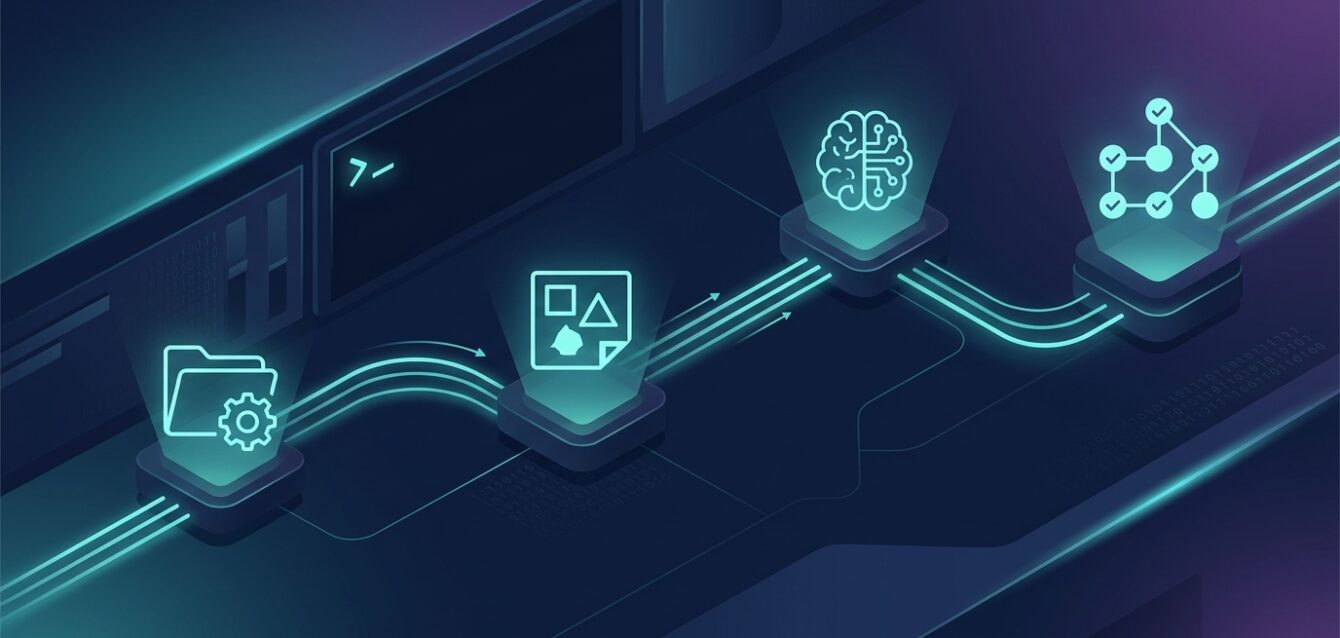
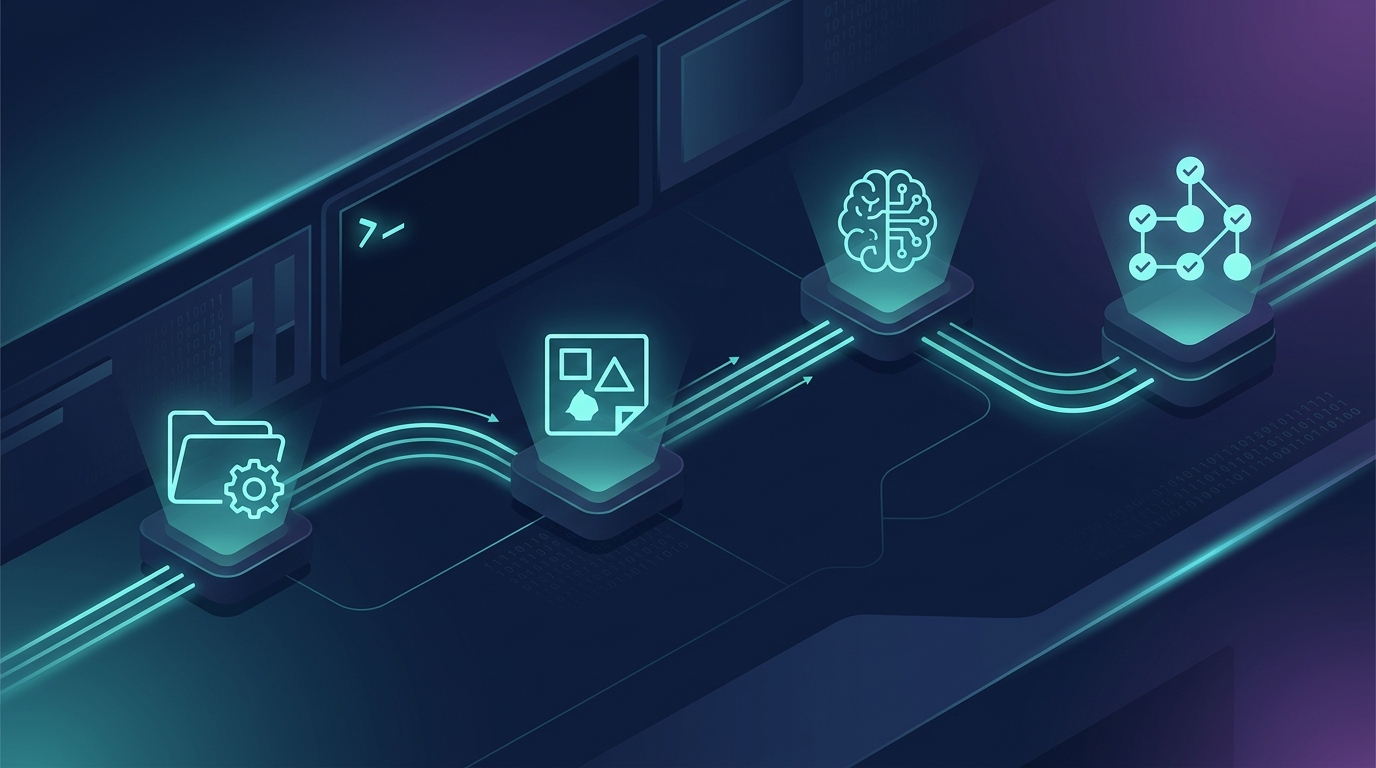
Koios addresses this with the Workspace CLI: a single, discoverable interface for actions across files, tools, canvas documents, knowledge, and task orchestration. It is not about making an LLM imitate a human at a terminal. It is about giving the Enterprise AI Harness a stable control surface: discover the available operation, inspect its contract, act within its scope, and verify the result.
Why tool interfaces become a reliability problem
An agent workflow rarely stays in one system. A typical task may inspect source material, transform a file, query a knowledge base, update a visual document, and report completion. When each subsystem has different naming, parameter, and response conventions, the agent must carry those differences in its prompt and infer details at execution time.
The costs are practical: a guessed parameter can fail a write; a broad operation can change more than intended; an oversized response can crowd useful context out of the model; and a task can appear complete without a structured completion signal. Adding more prose to the system prompt does not fix an interface that is ambiguous at the point of use.
| Ad hoc tool surface | Discoverable Workspace CLI |
|---|---|
| Different conventions for each integration | Consistent command catalog and operational patterns |
| Agent carries every tool description up front | Discover a candidate, then inspect the needed schema |
| Large outputs remain in conversational context | Workspace paths keep intermediate state addressable |
| Whole-file rewrites for small edits | Targeted patch operations preserve surrounding content |
| Completion inferred from chat text | Task state can be reported explicitly |
One command surface, multiple operational domains
The Workspace CLI groups work into coherent domains instead of exposing an undifferentiated pile of schemas. Filesystem operations include ls, cat, write, and patch; tool operations support discovery and execution; canvas commands inspect and update design objects; knowledge commands search available sources; task commands schedule work and report status.
This lets the agent choose an operation that matches the intent. A request to inspect a document should result in a read, not a speculative rewrite. A request to change one value should prefer a narrow patch over whole-file regeneration. A complex, multi-stage goal can be represented with task dependencies rather than held together by an unstructured chain of chat turns.
Runtime discovery: expose what is relevant, not everything
A stable interface still needs discoverability. The CLI’s list-commands catalog lets an agent learn which operations exist, filtered by category or keyword. For organization tools, the same just-in-time pattern is list-tools → inspect-tool → execute-tool: locate an applicable tool, inspect its exact schema, and only then invoke it.
1. Discover: list-commands(category="filesystem")
2. Select:   patch-text for a targeted text change
3. Inspect:  confirm required fields and replacement semantics
4. Execute:  apply the bounded edit
5. Verify:   reread the changed section
The point is not merely fewer tokens: the agent reasons over the contract relevant to the current step instead of a catalogue of unrelated operations. This complements Koios Just-In-Time Tool Discovery and surgical diff patching.
Predictability comes from narrow, verifiable actions
A command name alone does not guarantee safe automation. Reliability comes from choosing operations with visible scope, using their documented parameters, and checking the result. Addressable workspace paths support a read-before-write loop; targeted patching avoids regenerating unrelated content; and persisted results can be referenced without repeating every byte in the model context.
For an article update, an agent can locate the file, inspect the relevant section, apply a narrow patch, and reread that section. For a canvas, it can inspect page objects and update selected IDs rather than reconstructing the design. For a knowledge question, it can search relevant sources rather than embedding a full corpus in the prompt. These are bounded operations that engineers can reason about and audit.
From inline actions to task graphs
Not every request needs orchestration. A short, atomic task should execute directly. When work spans independent deliverables or explicit prerequisites, the same operational model supports a task graph: review sources first, then draft copy and create a visual in parallel, then perform final QA.
Source review ──┬── Article draft ──┐
                └── Visual asset ───┴── QA and publish
Task identifiers and dependency edges make that plan legible. Downstream work waits for prerequisites, independent units can run concurrently, and explicit status callbacks tell the parent workflow whether a worker finished or failed. See the Koios Super General Agent overview for how simple work can stay inline while complex goals are decomposed into DAGs.
What enterprise teams should evaluate
When assessing an agent command layer, look beyond command count. Can an agent discover operations without loading every schema? Are parameters explicit? Are read, update, and destructive actions distinguishable? Can the result be verified? Can large intermediate outputs be referenced by workspace path? Do multi-step jobs expose dependencies and completion state?
Governance remains essential. A consistent interface improves execution; it does not replace identity checks, authorization, tenant isolation, or human review where required. The CLI should operate within the enterprise’s security and policy model, never around it.
Conclusion: make the interface predictable before scaling agents
Autonomous agents become operationally useful when the path from reasoning to action is explicit. A standardized, discoverable Workspace CLI reduces parameter guessing, supports focused context, and encourages changes that are narrow enough to verify. For engineering teams, it creates a clearer contract between an LLM and the systems it operates.
The objective is not to give a model more tools to memorize. It is to give the Enterprise AI Harness a dependable way to find the right operation, inspect its contract, execute within a defined scope, and check what happened. That is the foundation for predictable agent operations across an enterprise workspace.